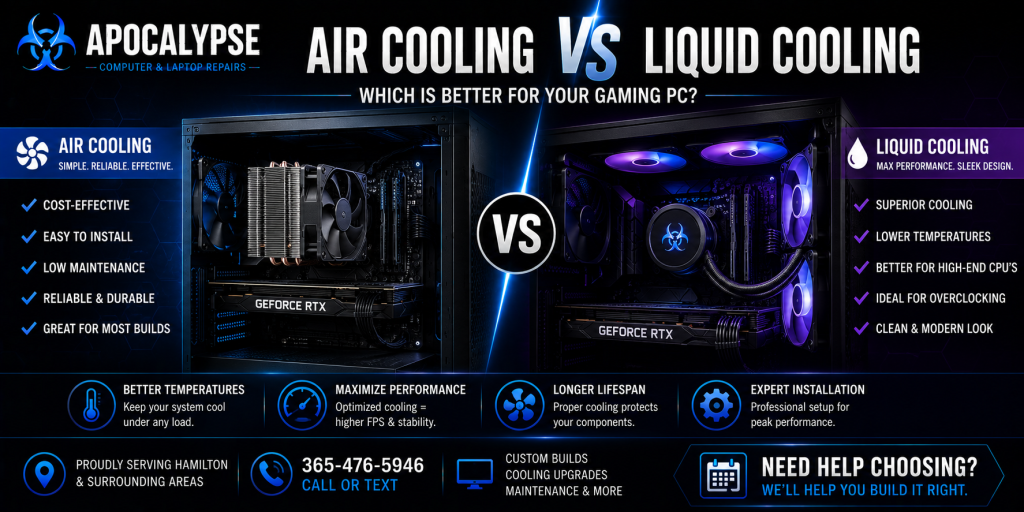
Air Cooling vs Liquid Cooling — Which Is Better for Your PC?
Air Cooling vs Liquid Cooling Hamilton. When building or upgrading a gaming PC, one of the most important decisions is choosing the right cooling system. At Apocalypse Computer & Laptop Repairs, we help gamers and PC enthusiasts throughout Hamilton choose between air cooling and liquid cooling based on performance goals, budget, noise levels, aesthetics, and long-term reliability.
Both cooling methods can provide excellent thermal performance when properly installed and optimized. The best option depends on your workload, hardware configuration, airflow setup, and future upgrade plans.
What Is Air Cooling?
Air cooling uses a heatsink and fan system to remove heat from the CPU and circulate warm air out of the computer case. Modern air coolers are highly effective and remain one of the most popular cooling solutions for gaming PCs and workstation computers.
Benefits of Air Cooling
- Reliable long-term operation
- Lower maintenance requirements
- Cost-effective cooling solution
- Easy installation and upgrades
- Excellent cooling for many gaming systems
- Lower risk of mechanical failure
- Strong airflow support for the entire system
High-quality air coolers can provide excellent performance for gaming, streaming, editing, and multitasking workloads.
Potential Drawbacks of Air Cooling
- Larger coolers can take up more internal space
- Some large air coolers may limit RAM clearance
- Higher-end CPUs may generate more heat under heavy loads
- Cooling performance depends heavily on case airflow
Proper airflow optimization is essential for maximizing air cooling efficiency.
What Is Liquid Cooling?
Liquid cooling uses coolant, a pump, radiator, and fans to transfer heat away from the CPU. Many modern gaming PCs use All-In-One (AIO) liquid coolers for improved thermal performance and aesthetics.
Benefits of Liquid Cooling
- Excellent cooling for high-performance CPUs
- Improved thermal management under heavy workloads
- Cleaner aesthetics for many gaming builds
- Reduced CPU temperature spikes
- Better support for overclocking and demanding workloads
- More flexibility around CPU socket space
Liquid cooling is popular among gamers, streamers, content creators, and enthusiasts building high-performance systems.
Potential Drawbacks of Liquid Cooling
- Higher cost compared to air cooling
- More complex installation
- Additional components such as pumps and radiators
- Potential pump wear over time
- Some systems may require occasional maintenance
While modern liquid coolers are generally reliable, they contain more moving components than traditional air coolers.
Which Cooling System Is Best for Gaming PCs?
The best cooling solution depends on your specific gaming PC setup and performance requirements.
Air Cooling May Be Best If You Want:
- A reliable and budget-friendly solution
- Lower maintenance requirements
- Excellent cooling for mid-range systems
- Simple upgrades and repairs
- Strong long-term durability
Liquid Cooling May Be Best If You Want:
- Maximum cooling performance
- Lower CPU temperatures during heavy workloads
- Cleaner aesthetics and RGB presentation
- Better support for high-end CPUs
- Advanced gaming or workstation performance
Both options can perform extremely well when properly installed and optimized.
Cooling Optimization Matters Most
Regardless of whether you choose air or liquid cooling, proper system airflow and thermal management are critical for stable performance.
Important cooling factors include:
- Proper fan placement
- Good cable management
- Dust prevention and maintenance
- Case airflow design
- Thermal paste quality
- Balanced intake and exhaust airflow
At Apocalypse Computer & Laptop Repairs, we help optimize cooling performance for gaming PCs, workstations, and custom desktop systems throughout Hamilton.
Gaming PC Cooling Services in Hamilton
We provide professional cooling optimization and maintenance services including:
- Air cooler installation
- Liquid cooler installation
- Thermal paste replacement
- Fan upgrades and optimization
- Cable management services
- Dust cleaning and airflow maintenance
- Gaming PC temperature diagnostics
- Custom cooling recommendations
Whether you’re building a new gaming PC or upgrading an existing system, we help ensure your computer stays cool, stable, and reliable.
Why Choose Apocalypse Computer & Laptop Repairs?
Customers throughout Hamilton trust Apocalypse Computer & Laptop Repairs for gaming PC optimization and cooling solutions.
Why customers choose us:
- Local Hamilton gaming PC experts
- Experience with custom gaming systems
- Professional airflow and cooling optimization
- Honest hardware recommendations
- Reliable installation and maintenance services
- Friendly and straightforward communication
Trusted Gaming PC Cooling Support in Hamilton
If you’re deciding between air cooling and liquid cooling for your gaming PC, Apocalypse Computer & Laptop Repairs provides professional guidance, installation, and optimization services throughout Hamilton and surrounding communities.
Whether you need cooling upgrades, thermal maintenance, or a fully optimized gaming PC build, we’re ready to help you achieve better temperatures, improved performance, and long-term reliability.